
Kent Elliott
One of the most impactful improvements we’ve made to our film process didn’t come from new gear, better cameras, or more crew. It came from getting organized.
Specifically: using a visual script.
And the best part? It’s incredibly simple. No complicated systems. No overthinking. Just a clear way to plan what you’re going to shoot, before you ever step on set.
What Is a Visual Script?
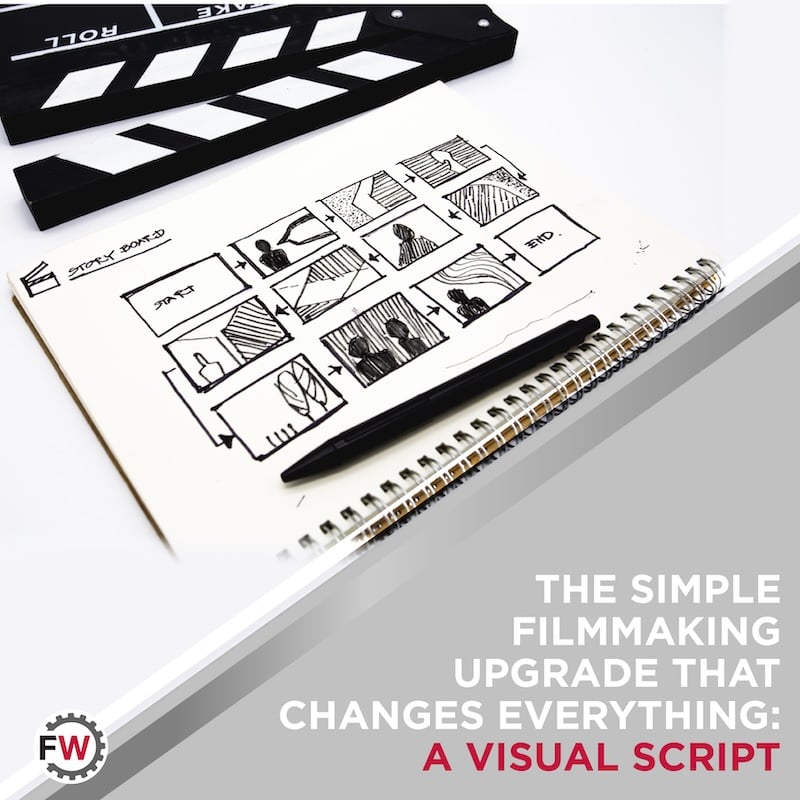
A visual script is exactly what it sounds like: a simple document that maps out your video shot-by-shot. Instead of just writing dialogue or ideas, you’re outlining what the viewer will actually see. It bridges the gap between concept and execution…and removes a lot of the guesswork once filming starts.
Step 1: Build a Simple Two-Column Doc
Start with a basic Google Doc. Nothing fancy.
Create two columns:
Left column: Video Info
This is where you define each shot: what’s happening, where it is, who’s involved.
Right column: Script Outline
This is where you write the dialogue, voiceover, or key message tied to that shot.
That’s it. No complicated formatting. No production jargon. Just a clear structure that keeps everything aligned.
Step 2: Use AI to Spark Shot Ideas
Once your structure is in place, you don’t have to come up with every shot from scratch. We’ve found it incredibly helpful to use AI tools to generate prompts and ideas for each scene.
For example, tools like Adobe Firefly (using Google’s Gemini 3.1 model) can help you quickly visualize different angles, moments, or compositions you might not have thought of. It’s not about letting AI take over, it’s about using it to expand your creative options and speed up the planning process.
Step 3: Plan Your Shoot Around the Script
Now your visual script becomes your roadmap.
You can start planning:
- Locations
- Timing
- Talent
- Equipment
Instead of figuring things out on the fly, you already know what you need to capture. This saves time, reduces stress, and helps your shoot stay focused.
Step 4: Use It On Set
When you’re on-site, your visual script becomes your checklist.
As you capture each shot, mark it off. No guessing. No “did we get that?” moments later. You know exactly what’s done and what’s still needed.
Why This Works
Most video shoots fall apart because of one simple issue: lack of clarity.
People show up with a general idea, but no clear plan. That leads to missed shots, wasted time, and inconsistent results. A visual script fixes that. It keeps everyone aligned. It gives your shoot direction. And it ensures you walk away with exactly what you need.
Final Thought
This isn’t about making your process more complicated, it’s about making it more intentional.
Plan what you shoot.
Shoot what you plan.
It’s that simple. And once you start using a visual script, it’s hard to go back.